
By Mauveine Tech · May 21, 2026 · 9 min read
We build software for a living. Our developers live in VS Code. They install extensions without thinking much about it — a linter here, a theme there, a GitHub helper someone mentioned in a Discord. It's just part of the workflow.
So when GitHub confirmed yesterday that a single poisoned VS Code extension gave attackers access to 3,800 of its internal repositories, we stopped and took stock of our own machines. You should too.
This isn't a "big company problem." The group behind the breach — TeamPCP — specifically targets developer tooling because one compromised tool can hit hundreds of companies at once. If your business has developers, you have exposure. Here's what happened, why it matters, and what to actually do about it.
What Happened
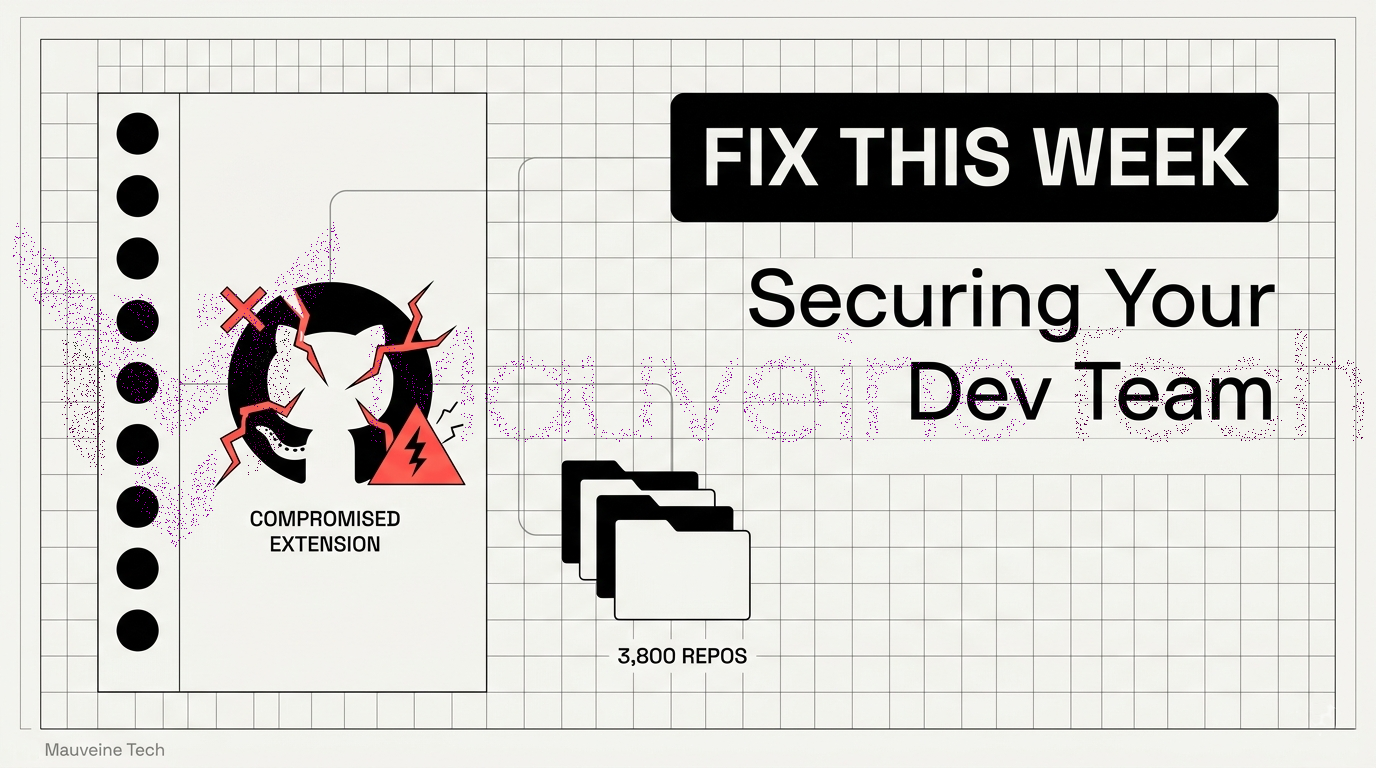
On May 20, 2026, a hacking group called TeamPCP posted on an underground forum claiming they had breached GitHub's internal repositories. They were offering the stolen data — source code, internal files — for $50,000 minimum. GitHub investigated and, within about five hours, confirmed it: roughly 3,800 internal repositories had been exfiltrated.
The entry point? One GitHub employee installed a VS Code extension that had been quietly tampered with. That extension compromised the employee's machine. From there, attackers worked their way into GitHub's internal systems.
GitHub's current assessment is that customer repositories were not affected. Their code is theirs, not yours. But the investigation is still ongoing and that could change. More importantly, the method they used — poisoning a developer tool — is not unique to this attack.
This Didn't Come Out of Nowhere
The GitHub breach was actually the third significant GitHub security event in about six weeks.
In late April, security researchers at Wiz disclosed CVE-2026-3854 — a remote code execution flaw that let any authenticated GitHub user run arbitrary code on GitHub's backend servers with a standard git push. Millions of repositories were exposed. GitHub.com got patched fast, but self-hosted GitHub Enterprise instances needed manual updates, and not everyone was quick about it.
Then on May 16, Grafana Labs disclosed that attackers had stolen their entire private source code. The method: a misconfigured GitHub Action leaked an access token, and attackers used it to pull everything down. The group tried extortion. Grafana said no publicly.
Then came May 20.
TeamPCP has hit Trivy, Checkmarx, Bitwarden CLI, and TanStack this year — all through developer tooling. GitHub was not a one-off. It's a campaign, and developer tools are the campaign's preferred weapon.
Why This Affects Your Business (Even If You're Not GitHub)
Here's the thing about supply chain attacks: they are not targeted at you specifically. They're targeted at something your developers trust, and then they reach you through that trust.
A poisoned VS Code extension doesn't care whether it's running on a GitHub engineer's machine or your startup's lead developer's laptop. If it finds API keys, tokens, or cloud credentials in the environment — and most developer machines have them — it sends them home. Your infrastructure, your database, your customer data: all potentially reachable from one bad extension install.
Source code is often a company's most valuable asset. Losing it doesn't just mean a competitor gets a look at your product — it means they can understand your system architecture, find vulnerabilities, or undercut your roadmap. And if credentials leak alongside the code, attackers have keys to production.
Smaller companies tend to have looser internal tooling policies than enterprises. No approved extension lists. No endpoint monitoring. Developers with admin access to everything because it's faster. That's not a criticism — it's just the reality of how small teams move. But it's also exactly what makes small and mid-sized companies attractive targets in a supply chain attack. Easier to compromise, less likely to detect it quickly.
What to Do Right Now
1. Audit VS Code Extensions Across Your Team
This is the most direct response to what happened at GitHub. Have every developer on your team open VS Code and go through their installed extensions. Look for anything that:
Wasn't installed intentionally or that no one remembers adding
Has an unusually low install count for what it claims to do
Was published or updated very recently with no changelog
Has a publisher name that's slightly off — one letter different from a known tool, that kind of thing
Remove anything that raises a flag. If you don't have a list of approved extensions for your team, create one now. It doesn't need to be long or complicated — just a shared document that says "these are the tools we use and trust." That alone closes a lot of exposure.
Going forward, treat extensions with the same scrutiny you'd apply to a new npm dependency. You wouldn't blindly npm install a package with 12 downloads and no readme. Don't do it with editor extensions either.
2. Rotate Credentials — Don't Wait
If any of your developers have GitHub personal access tokens that haven't been rotated in a while, rotate them today. Same goes for:
SSH keys on developer machines
API keys stored in
.envfiles or local IDE configsDigitalOcean, AWS, or other cloud provider credentials that developers have locally
Any secrets stored in CI/CD pipeline configurations
The logic here is simple: if a developer machine was ever compromised — even briefly, even months ago — those credentials may already be in someone else's hands. Rotation doesn't undo a breach, but it closes the window. It's one of the cheapest security actions that exists.
3. Check Who Has Access to What
Most early-stage teams give everyone broad access because it's convenient. One GitHub organization, everyone's an admin, everyone can push to main. We get it. But this is the moment to tighten that up.
Review your GitHub organization and ask: does every person who has admin access actually need admin access? Do junior developers need write access to every repository, or just the ones they work on? Are there former contractors or employees who still have access?
Set up branch protection on your main branch if you haven't already — require at least one code review before anything gets merged, and disable force pushes. It takes ten minutes and it materially reduces your risk.
4. Look at Your CI/CD Pipeline
The Grafana breach happened through a misconfigured GitHub Action. A CI/CD pipeline is basically a machine that has permission to do things in your infrastructure — and if it's misconfigured, attackers can abuse those permissions.
A few things worth checking:
If you're using pull_request_target in any of your workflow triggers, that's a known risk — it runs with write permissions on PRs from forks, which is often not what you want. pull_request is safer for most use cases.
If you're using third-party GitHub Actions, check when they were last updated and whether they're from verified publishers. Pinning them to a specific commit SHA (rather than a floating tag like @v3) means a compromised version of that action won't silently affect your builds.
Make sure secrets aren't being echoed into build logs. It happens more often than people expect, especially in debug configurations that never got cleaned up.
5. Turn On GitHub's Free Security Features
A lot of teams have these sitting unused. They're included in your GitHub plan and take minutes to enable:
Secret scanning catches accidentally committed credentials — API keys, tokens, passwords — and alerts you before they can be used. GitHub already knows the patterns for hundreds of secret types. Let it do the work.
Push protection takes this a step further and blocks the commit before it even goes in, rather than alerting after the fact.
Dependabot monitors your dependencies for known vulnerabilities and opens pull requests with fixes. It's not glamorous but it catches a lot of low-hanging fruit.
Go to your repository settings, then Security, and enable all three. Ten minutes of work, meaningful ongoing protection.
6. If You're Running Self-Hosted GitHub Enterprise, Patch It Now
CVE-2026-3854 — the remote code execution flaw found by Wiz in April — was patched on GitHub.com quickly. Self-hosted instances are your responsibility. If you're running GitHub Enterprise Server and haven't applied the patch, that's the most urgent technical action on this list.
Check your current version and compare it against GitHub's security advisories. If you're behind, update before you do anything else.
7. Treat Developer Laptops Like Infrastructure
The GitHub breach started at an endpoint. Not a server. Not a cloud environment. A developer's laptop.
Most companies have some security posture around their servers — firewalls, access controls, monitoring. Very few have anything equivalent for the machines their developers actually work on day to day. Those machines have production credentials. They have access to code repositories. They run build pipelines.
At minimum, make sure developer machines have full-disk encryption enabled and are covered by some form of endpoint protection. Ideally, you have a mobile device management (MDM) solution that lets you remotely wipe a machine if it's lost or compromised. If you're not there yet, make it a conversation with your technical lead this month.
Questions to Ask Your Dev Team This Week
You don't need to understand every technical detail here. But as the person running the business, you should be able to get clear answers to these:
Have we audited our VS Code extensions since the GitHub breach?
When did we last rotate our GitHub tokens and cloud credentials?
Does every developer have only the access they actually need?
Do we have secret scanning enabled on our repositories?
Are we running a self-hosted GitHub instance that needs the CVE-2026-3854 patch?
What's our process if a developer's laptop is lost or compromised?
If any of these get a vague answer, that's where to focus first.
Quick Reference: Post-Breach Checklist
Action | Timeline | Owner |
|---|---|---|
Audit and remove suspicious VS Code extensions | Today | All developers |
Rotate GitHub tokens, SSH keys, API keys | Today | All developers + DevOps |
Review and trim GitHub org permissions | This week | Tech lead |
Enable secret scanning and push protection | This week | Tech lead |
Review CI/CD pipeline for misconfigurations | This week | DevOps |
Patch self-hosted GitHub Enterprise (CVE-2026-3854) | Today if applicable | DevOps / SysAdmin |
Create approved extension policy | This month | Tech lead + Management |
Implement endpoint protection on dev machines | This month | Management + IT |
A Note on Where This Is Going
TeamPCP hit five major developer tools in 2026 — Trivy, Checkmarx, Bitwarden CLI, TanStack, and now GitHub itself. All through developer tooling. All through trust that teams placed in things they installed without much scrutiny.
The threat isn't going away. If anything, developer tools are becoming a more attractive target as security on the server side improves. The endpoint is where the credentials live, and credentials are what attackers actually want.
We work with a lot of early-stage and growing teams. The pattern we see most often isn't a lack of technical knowledge — it's that security conversations keep getting pushed because there's always a feature to ship. We understand that. But the cost of a breach — in time, in trust, in legal exposure — is almost always higher than the cost of the basic precautions above.
Want a Second Set of Eyes on Your Setup?
At Mauveine Tech, we build software for businesses across Nepal and the region — and we're familiar with exactly the kinds of setups where these risks show up. Tight teams, broad access, fast-moving pipelines. We're not here to sell you a security product. But if you want someone to walk through your GitHub setup, your CI/CD configuration, or your team's tooling policy and tell you honestly what they see, we're happy to do that.
Mauveine Tech is a software development company based in Kathmandu, Nepal. We build web and mobile products for startups and growing businesses, and we write about what we're seeing in the field.